For Staff and Students - Click on the "Sign in with Google" button

and follow the instructions using the district email and password for credentials.
For Parents, Guardians, and any others (already in our PowerSchool System) - Fill in your email address and your password.
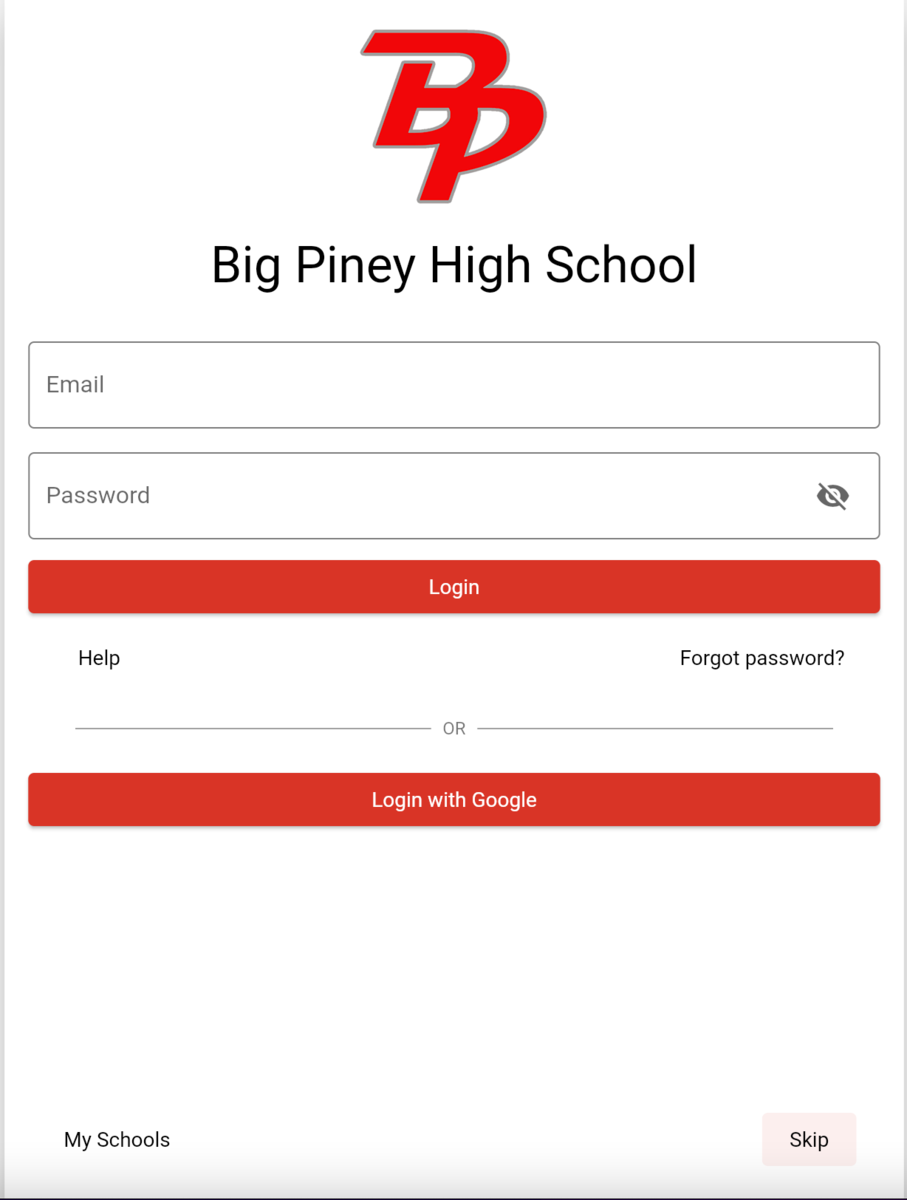
If you don't remember your password or this is your first time logging in, click on "Forgot Password?". Fill in your email address in the Forgot Password box and click the Send password reset link.
You should receive an email from Edlio with a password reset link. If you don't receive an email, check the spam folder and make sure the email you entered is an email address used in PowerSchool.
If you are still having issues, contact the Tech Dept.
[email protected], (307) 276-3322 opt. 3
Anyone else (not in our PowerSchool system), you can request an account through your school’s secretary—just let them know why you need one.

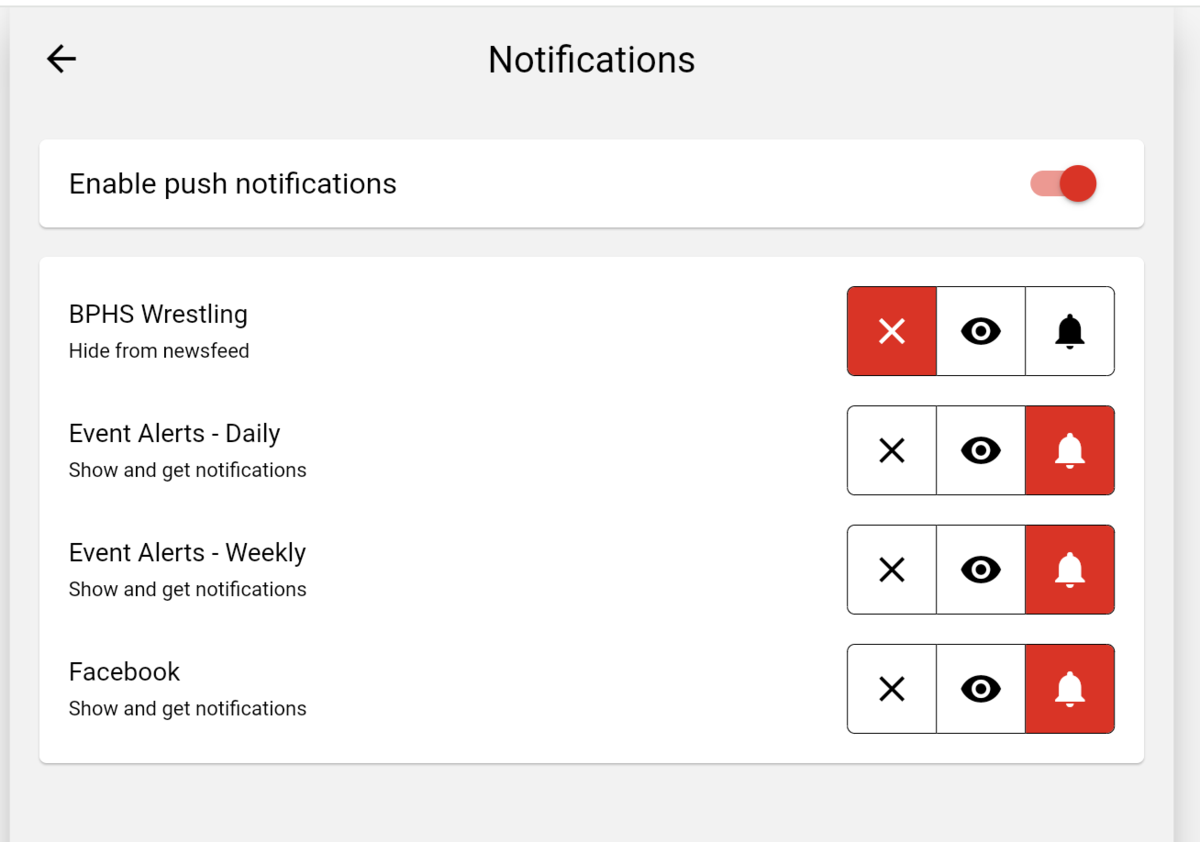
 Select one or more of the available options